How to translate the binary email from Swarthmore

Hey guys, I just received a special email from Swarthmore College few minutes ago, and it looks like this:

In this post, I will simply demonstrate how to convert the binary values into English text through Python.

To begin with, at the beginning of the email, we can see there’s a space between two 8-bits binary numbers 01001000 and 01101001. 01001000 represent 72, which is the Ascii code of ’h’, and 01101001 represents 105, which is the Ascii code of ’i’. Thus, the rest of the email should be consisted of chars that are represented by 8-bits binary numbers as well.

So the first thing we need to do is write a Decoder that translates binary numbers to English:

def Decoder(binary_string):
	ascii_code = int('0b'+ binary_string, 2)	#Find the Ascii code 
	result = chr(ascii_code)		#Find the char
	return result

After finishing up this part, we need another function to split up the continues 8-bits binary numbers in the content and translate each of them individually:

def BinaryTranslator(binary_text):
	total_number= len(binary_text)//8
	text = ''
	
	for count in range(total_number):
		text += Decoder(binary_text[count*8:(count+1)*8])
	return text

Caution: We use // instead of / in this situation. This is because / returns a float number, which could cause trouble in range function.

As we can see in this email, there are some letters that are represented through English letters. So I add a select structure here in order to let the program automatically returns the original text if it is already in English.

def BinaryTranslator(binary_text):
	if binary_text[0] != '0' and binary_text[0] != '1':
		return binary_text
		
	binary_count = len(binary_text)//8
	text = ''
	
	for count in range(binary_count):
		text += Decoder(binary_text[count*8:(count+1)*8])
	return text

In the end, we put the modules together:

def Decoder(binary_string):
	ascii_code = int('0b'+ binary_string, 2)	#Find denary value 
	result = chr(ascii_code)		#Find the char
	return result
	
def BinaryTranslator(binary_text):
	if binary_text[0] != '0' and binary_text[0] != '1':
		return binary_text
		
	binary_count = len(binary_text)//8
	text = ''
	
	for count in range(binary_count):
		text += Decoder(binary_text[count*8:(count+1)*8])
	return text

original_text = ['0100100001101001', 'Jiarui','01000010011010010110111001100001011100100111100100100000011000110110111101100100011001010010000001101001011100110010000001100001001000000110011001110101011011100010000001110111011000010111100100100000011101000110111100100000011000110110111101101101011011010111010101101110011010010110001101100001011101000110010100101110', '01000010011101010111010000100000011010010111010000100111011100110010000001110100011011110111010101100111011010000010000001110100011011110010000001110010011001010110000101100100001011000010000001110011011011110010000001110111011001010010011101101100011011000010000001101011011001010110010101110000001000000111010001101000011010010111001100100000011000100111001001101001011001010110011000101110', '010101110110100101101100011011000010000001111001011011110111010100100000011000010111000001110000011011000111100100100000011101000110111100100000010100110111011101100001011100100111010001101000011011010110111101110010011001010011111100001010', 'Sincerely,','010101000110100001100101001000000111011001100001011100100110100101101111011101010111001100100000011100000110010101101111011100000110110001100101001000000110111101100110001000000111010001101000011001010010000001010011011101110110000101110010011101000110100001101101011011110111001001100101001000000100000101100100011011010110100101110011011100110110100101101111011011100111001100100000010011110110011001100110011010010110001101100101']

for text in original_text:
	print(BinaryTranslator(text))

If you run the program through Python IDE, you will get the message below:

Hi
Jiarui
Binary code is a fun way to communicate.
But it’s tough to read, so we’ll keep this brief.
Will you apply to Swarthmore?

Sincerely,
The various people of the Swarthmore Admissions Office

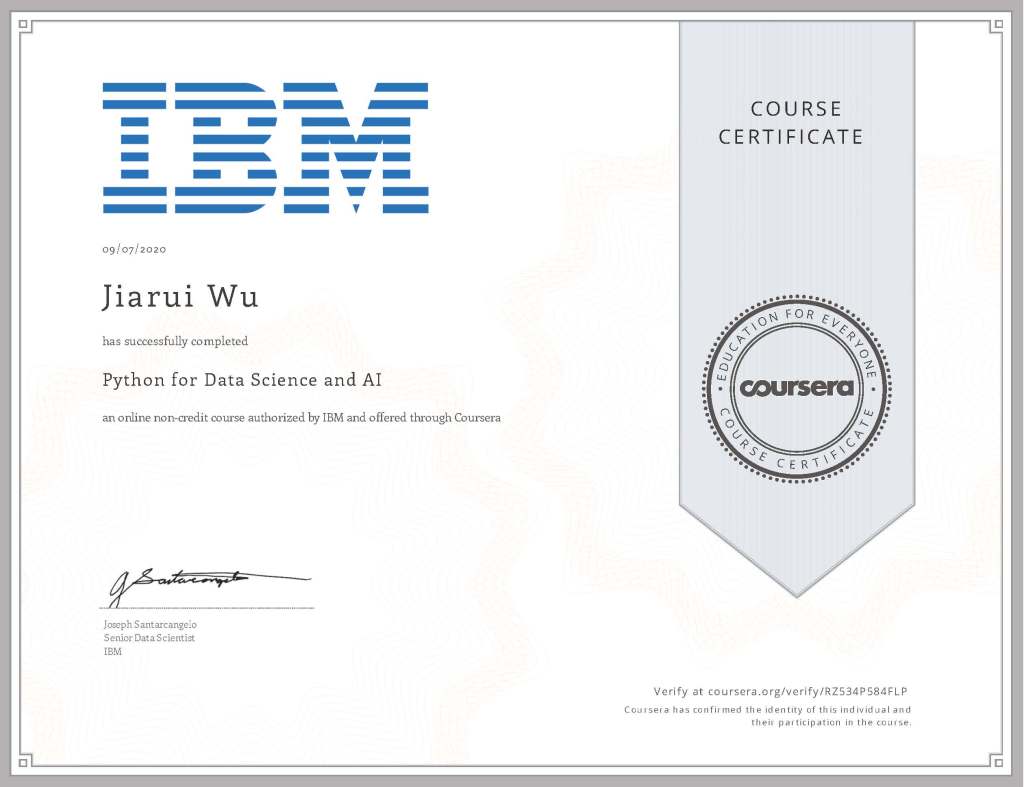
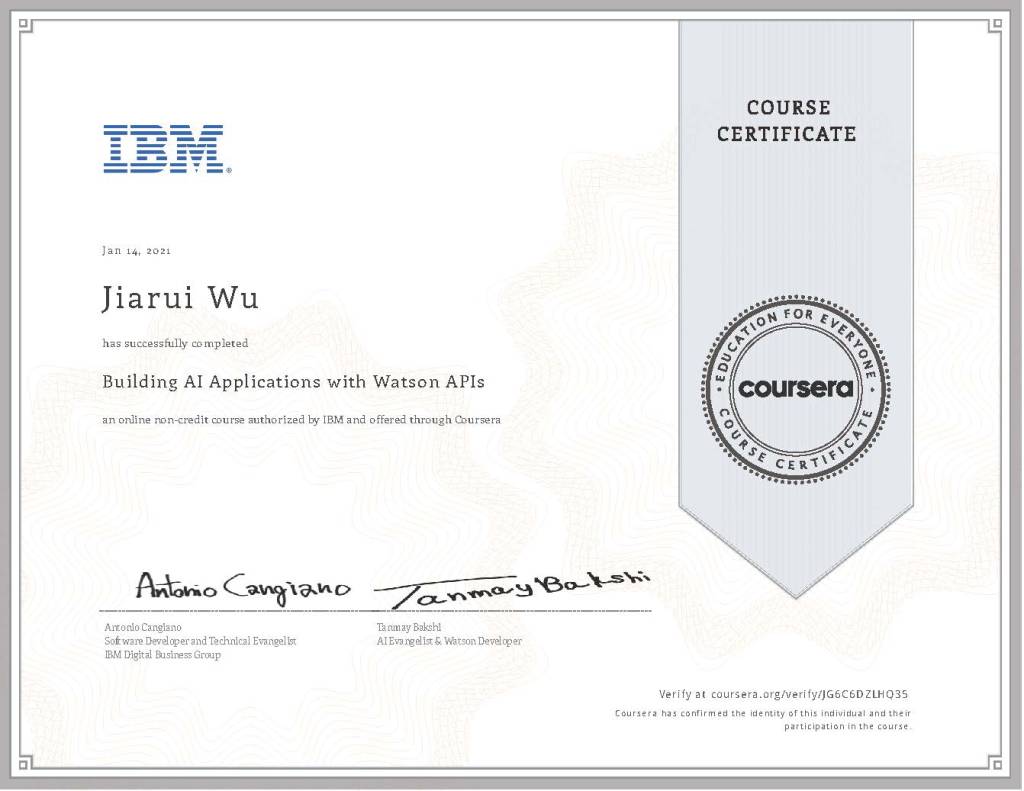
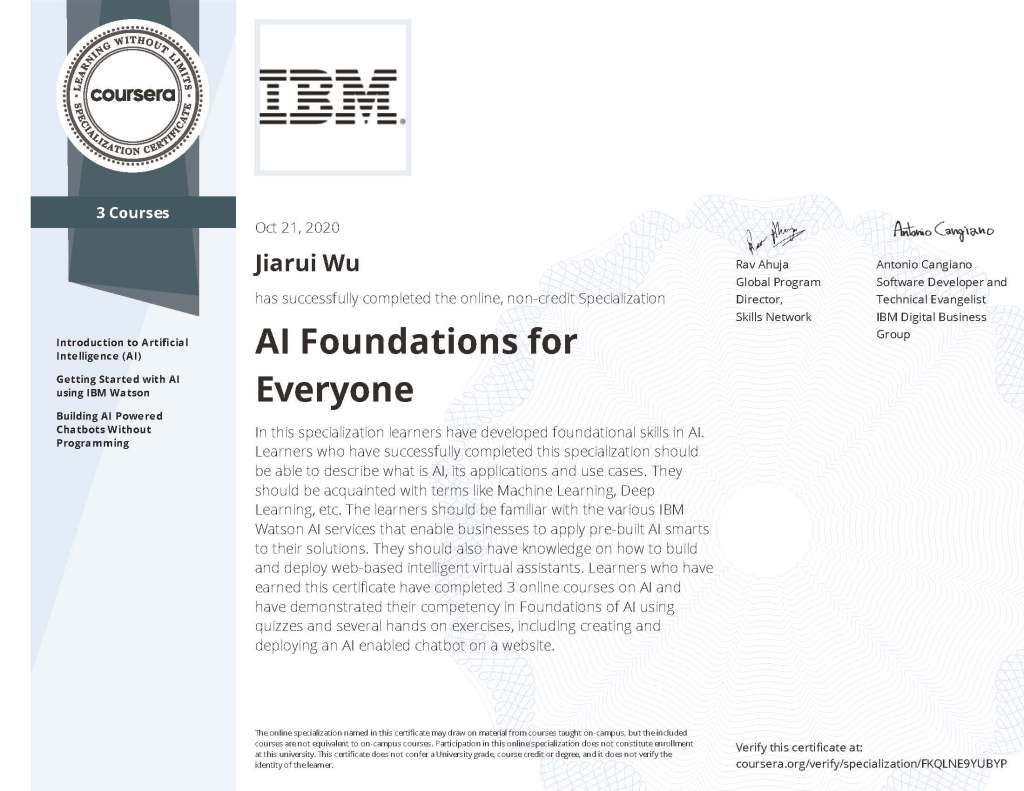
IBM Applied AI Courses

Hi there, it’s been a while I haven’t update this blog.

Recently, I just passed all six courses of the IBM Applied AI Certificate, and I’m being so honored to recieve these lovely certificates and badges.

This series of courses actually helps me a lot in understanding basic concepts of AI, and I can’t wait to have further study in the field of artificial intelligence.

What’s Going On

Hi, I know it has been a while since last time I update my posts. So you might wonder, what’s going on recently.

About me, recently I received my silver metal from HOSA China, some credits from Saint Louis University, and the recommendation from Mr. Ibrahim. Moreover, I just finished IGCSE and AS exams. So, from now on, I’ll have more time to spend time on dealing with this website.

Here’s some pictures.

^ in Python

I remembered when I started to learn Python, about 1 year ago, I often get confused with ^ and **.
With my poor computer basics, I often type ^ when I was trying to explain power, and I found out the output is quite strange. Later on, I just memorized ** and never asked about ^.
Until today, I finally solved the mystery.

The Outputs When I Use ^

^ represents XFOR in python, which add two integers in binary system with limited digits.

For example, when the computer do 4^1, it first converts the two numbers into binary numbers, which are 100 and 1. Secondly, it calculate 100 + 1 = 101, which is 5.
However in the third case, when the computer add 110 + 110, the result is 000. Thats because, when the programmer inputs 6^6, the computer automatically sets the binary digits of answer into the highest binary digits of input number. As the highest digits of the input number is 3, the value of the results is out of limits, which is called overflow. In the end, computer ouput the results of 000 in binary, which is 0

Summer Goals

Hi there, remember last time I mentioned a ‘basic summer plan’ in the weekly report?
So, here it is!

  1. finish 1/4 of python course in boxuegu.com
  2. finish at least 1 cs course on Coursera(including IBM Artificial Intelligence)
  3. lose weight: from 75.5 kg to 72kg
  4. Learn to play Autumn Leaves by mouth organ
  5. Finish the ad project (which is about the pandemic) with my friends

Again, stay safe and my the force be with you.

Weekly Report #3 & 4

Opening

Hi there. I know it has been I while since last time I update my posts.

What happend Last Week?

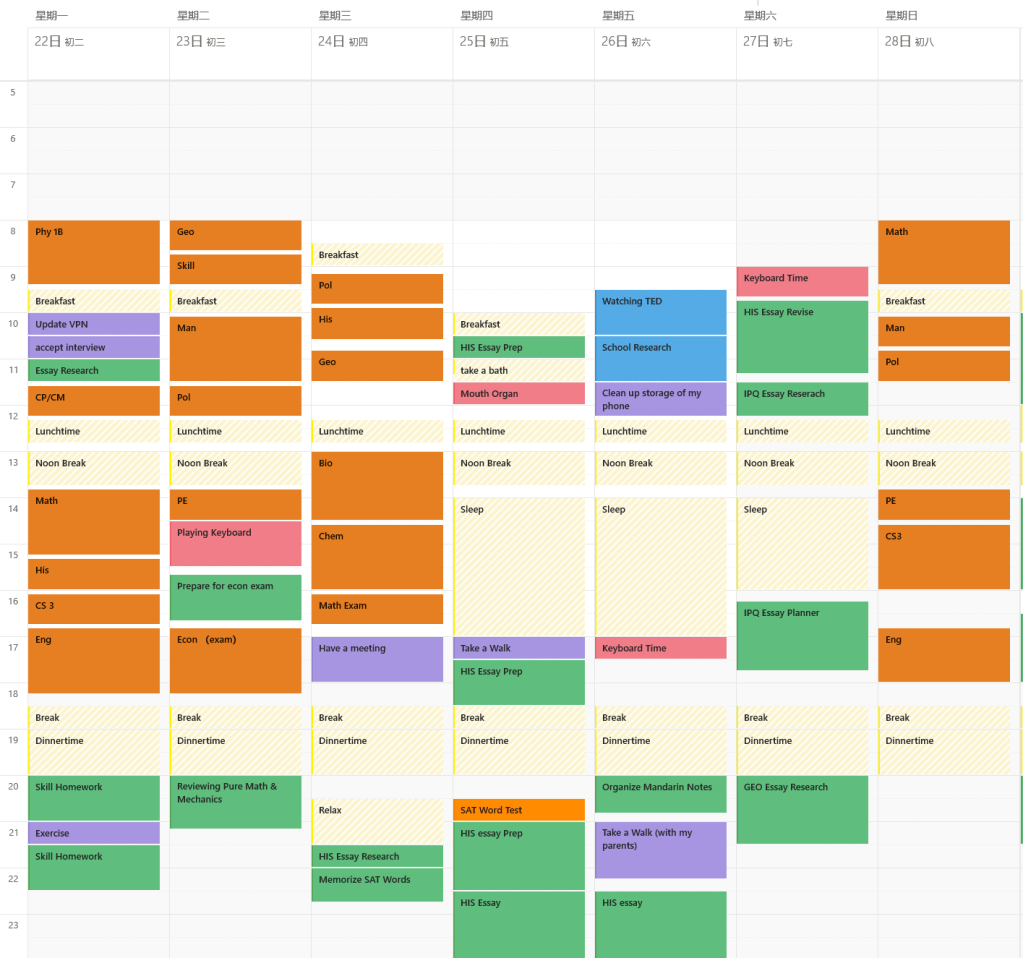
Because of the upcoming (or "rencently passed") final exam, I want to fully concentrate on my acedemic performance and have some relax these days. In order to do that, I almost cut off all of my connections to the outside world, such as social media like instragram, facebook, wechat, and, of course, the wordpress. That’s the reason why I missed the chance to update last week.

In this two weeks, I…

finished the final exams
self-studied programing for 4 hours
is able to play Edelweiss with my mouth organ
set up a basic plan for the summer vacation
started a Ad project about this pandemic

In The End

In the end, stay safe, and may the fourth be with you.

Weekly Report #3
Weekly Report #4

Weekly Report #1

Hi there. From now on, I will continuely update my weekly academic report in order to supervise my acadamic study and improve my academic performance through failures and mistakes.

In this week, I continue to study OOP (Object Oriented Programming) by my self and had some difficulies with this part. But, through searching on cndn.net, the problems get solved sucessfully in the end.

The self-study duration ( without the courses of RDFZ ) : 5 hours for computer science, 1.5 hours for physics

conclusion: although the self-study duration seems to be okay, the overall study efficiency and the duration itself still needs improvements (through organizing wiser).

Experiencing the Markdown

Hi there.
Recently, I’ve learned the basic grammer of Markdown by myself, and now I’m going to the share some homeworks I did recently, by using Markdown.
Again, stay safe and have a good day.

DECLARE New_Meter_Reading: REAL
DECLARE Old_Meter_Reading: REAL
DECLEAR Total_Consumption: REAL
DECLEAR Amount: REAL

INPUT Old_Meter_Reading
INPUT New_Meter_Reading

Total_Consumption = Old_Meter_Reading - New_Meter_Reading

IF Total_Consumption < 100:
	THEN
		Amount = Total_Consumption

ElSE:
	IF Total_Consumption <= 150:
		THEN
			Amount = 100 + 2*(Total_Consumption-100)
	END IF
	
	IF 150 < Total_Consumption <= 250:
		THEN
			Amount = 200 + 3*(Total_Consumption-150)
	END IF
	
	IF Total_Consumption > 250:
		THEN 
			Amount =  500 + 4*(Total_Consumption-250)
	END IF

END IF

OUTPUT Amount

Poems Written by Jerry Wu

Taxi Driver

Sitting in his sit
Wondering who he is

Tower blocks, flashing lights
Loving couples, fancy drives

Neon shines on his face
Confusion left in his eyes

Warm? Cold?
Can’t tell

So, what is it
The deceptive world he hates
Or
The delightful game he plays


Over-Demand

Psycho on the tree
Shouted “I want some brie!”
But his water had run out
And he needed some air to breath \


Mr. Peach

Brown face, and blue eyes
Waiting for his master and yummy snacks
Angel is a cat


Gladiator

Waiting for the deadly order
Heading to the lethal duel
There’s no chance to be the winner
The dying bull drunk all his gruel

Bell ring, fence down
Staring blue sky, facing a knight
Meaningless struggle, the only opt
Fought for freedom, fought for right

Rush, stab, strike
Sanction from the light
Crush, smash, swipe
Onslaught from the night

Knight stands, bull down
Furious beast killed; brave men known to town